
Why Does Dispatching Break Down as a Moving Company Grows?
A moving company with two trucks can run dispatch off a whiteboard and a group text. A moving company with eight trucks running six days a week cannot — the math stops working the moment two dispatchers or a dispatcher-plus-owner are trying to keep the same schedule in their heads. Every job depends on the same handful of moving parts holding together at once: which crew is free, which truck has room, how far the previous job runs, and whether a customer's window is guaranteed or flexible. Miss one of those and you either double-book a crew or send a truck across town when a closer one was sitting idle.
The federal record-keeping rule that applies to every household-goods carrier makes this concrete: motor carriers are required to keep "dispatchers' sheets, registers, and other records pertaining to movement of transportation equipment" for three years under 49 CFR Part 379 (eCFR, Appendix A, Section J-2). Dispatch isn't an informal scheduling habit — it's a documented, auditable function the FMCSA expects carriers to run and retain records on. A sticky note doesn't produce a three-year audit trail. A dispatch board does, automatically, as a side effect of just running the day.
What Does Dispatch Software Actually Do for a Moving Company?
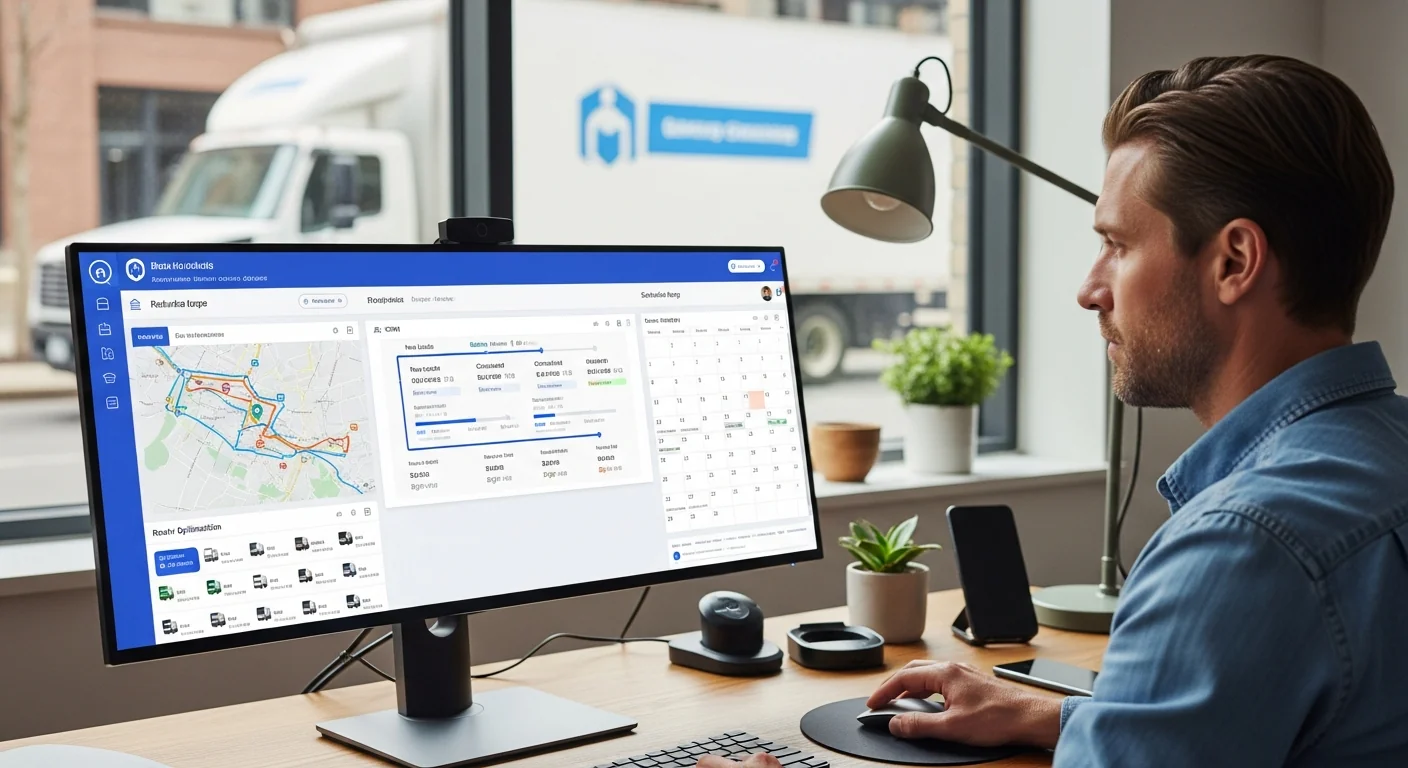
Dispatch software for movers replaces the whiteboard-and-group-text combo with one screen that shows every job, every crew, and every truck at once, and updates all three in real time as the day changes. The core job is matching three variables continuously: crew availability (hours worked, certifications, time off), truck capacity (what's already loaded, what's free), and job requirements (guaranteed delivery windows, multi-day jobs, long-distance versus local). Search interest for dispatch software runs at 1,600 searches a month nationally with commercial buyer intent — this is an established, well-understood software category, not a niche one, and moving companies buying into it are shopping the same fundamentals as any other field-service or delivery fleet: a live board, GPS visibility, and automated crew notifications.
Three functions separate a real dispatch platform from a shared calendar:
- Conflict detection at the moment of assignment. The system checks crew hours, truck load, and drive time between the new job and the crew's existing schedule before confirming — not after a customer calls asking where their truck is.
- Live GPS visibility tied to the job list. Dispatchers see where every truck actually is, not where the schedule says it should be, and can reassign the nearest available crew to an urgent job instead of guessing.
- Two-way status flow. Crews update job status from the field (en route, arrived, loading, delivered) and that status flows back to the office and the customer automatically, replacing radio calls and group texts.
DriveSales' dispatch board software is built around these three functions specifically for movers — not adapted from a generic field-service tool — because moving jobs carry variables (truck cube capacity, multi-stop long-distance runs, crew certifications like CDL) that a plumber-or-HVAC dispatch tool doesn't model.
How Much Does Route Optimization Actually Save a Moving Company?
Route optimization is the specific piece of dispatch software that sequences and times multi-stop days, and it has one of the best-documented ROI cases in logistics. UPS's ORION system — the largest operations-research route-optimization deployment ever built, winner of the 2016 Franz Edelman Award — had saved the company more than $320 million by December 2015 and was projected to save $300–400 million annually at full deployment, while cutting fuel consumption by an estimated 10 million gallons a year (INFORMS case study). That's the ceiling case for how much waste sits in unoptimized routing at scale.
At fleet-operator scale, the numbers translate directly to cost per mile. The average cost to operate a heavy-duty truck was $2.26 per mile in 2024, with fuel alone accounting for roughly $0.48 of that (American Transportation Research Institute data, reported by Trucking Info, "Fleet Margins Fall as Trucking Costs Set New Records in ATRI's 2025 Report"). Verizon Connect's fleet telematics data shows connected route-planning technology delivering an average 12% reduction in fuel costs and a 12% reduction in labor costs after implementation, driven by tighter routing, dynamic dispatch, and less idling (Verizon Connect Fleet Technology Trends Report). For a truck running 100,000 miles a year, a 10% cut in unnecessary mileage works out to roughly $4,800 in fuel savings alone, before counting labor, maintenance, or wear.
The labor side of that math is bigger than most owners assume. The median hourly wage for laborers and freight, stock, and material movers — the closest published federal wage line to a moving crew member, since there's no dedicated BLS occupation code for movers specifically — was $19.35 in May 2025 (BLS Occupational Employment and Wage Statistics). A crew stuck idling in traffic or backtracking between two poorly sequenced stops is burning that hourly rate for every crew member on the truck, on top of the fuel. Tighter routing doesn't just save diesel — it recovers paid labor hours that were going toward driving instead of loading, unloading, and billing.
For a moving company specifically, that shows up in a narrower, more practical way: fewer wasted miles between stops on multi-job local days means a crew can physically fit one to two extra jobs into a shift that was previously eaten by backtracking and guesswork about which job to run next.
Does Real-Time GPS Tracking Actually Change the Customer Experience?
Yes, and it changes the office side of the business as much as the customer side. When a dispatcher can see exactly where a truck is, they can give an honest arrival window instead of a guess, reassign the nearest crew to a last-minute job instead of pulling one off a route across town, and settle a "where's my truck" call in ten seconds instead of a radio call to the driver. GPS location history also does double duty as the operational record: it verifies actual time on-site for payroll and billing disputes, and it feeds the same three-year dispatcher-records retention obligation carriers already have to meet under FMCSA rules.
The compliance layer matters more for movers than for most delivery fleets because of a rule most owners don't learn about until it costs them a job: household-goods carriers do not get a special exemption from the standard 14-hour on-duty limit that governs all commercial motor vehicle drivers under 49 CFR Part 395 (FMCSA, Hours of Service). The American Moving & Storage Association and the International Association of Movers both formally petitioned FMCSA in 2015 for permission to let drivers run 75 extra miles or 90 extra minutes past the 14th hour specifically to reach secure overnight parking after a delayed residential delivery — and FMCSA denied both petitions, on the grounds that neither association proposed any measure to offset the added driver fatigue (Overdrive, "Household goods movers denied requested exemption from 14-hour cap"). In plain terms: a mover that dispatches a crew into a job that will blow past the 14-hour window with no realistic path to a legal parking spot is planning a violation, not an exception. A dispatch board that shows remaining on-duty hours before a job is assigned is the difference between catching that problem at 9 a.m. and discovering it at 9 p.m. on the side of a residential street.
Movers also carry a specific service obligation that generic delivery dispatch software doesn't need to think about: FMCSA's consumer-protection rules require "reasonable dispatch service" on every household-goods shipment, and a carrier that can't perform pickup or delivery on the agreed dates has to notify the customer in writing, log the notification, and keep that record on file for a year (FMCSA, "Transportation of My Shipment (Subpart F)"). That promised delivery window traces back to a document every mover already generates — the order for service — which is exactly why dispatch software works best when it reads that commitment directly off the booked job instead of a dispatcher re-keying the delivery window from a paper form. FMCSA's own regulation goes further on the record-keeping side: dispatchers' sheets and equipment-movement records specifically carry a 3-year retention requirement, separate from the 1-year requirement on the shipment paperwork itself (49 CFR Part 379, Appendix A) — two different clocks a paper-based dispatch process has to track manually and a digital one tracks by default. A dispatch system that already tracks every job's promised window and every crew's actual status is the natural place that documentation lives — instead of being reconstructed from memory after a customer complaint.
Can Dispatch Software Actually Prevent Double-Booking?
Double-booking a crew almost never happens because a dispatcher is careless. It happens because two people are updating the same schedule from two different views — one from a shared calendar app, one from a paper job board — and neither sees the other's change until a crew shows up somewhere they weren't expected. The fix isn't a better whiteboard. It's a single source of truth that every dispatcher, every crew member, and every customer-facing update pulls from the same live record, with built-in conflict checks that block a double-assignment before it's saved rather than catching it after a crew is standing on a driveway with no truck.
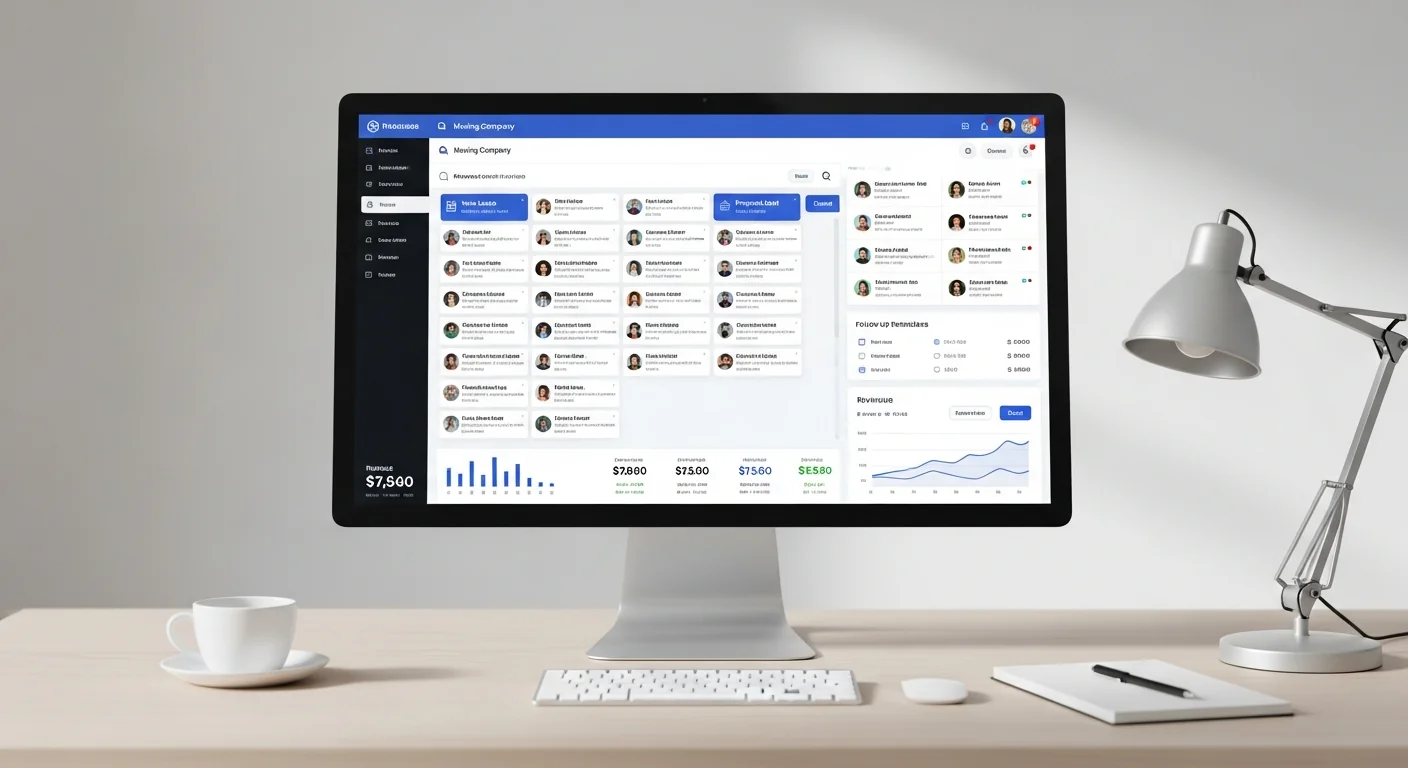
That single-source-of-truth requirement is also why a moving company's dispatch board works best when it isn't a standalone tool. When a customer books through the CRM, the job should already be a scheduling-board entry, ready to assign, with the estimate, inventory list, and customer notes attached — not a second data-entry step for the dispatcher. That end-to-end connection is what separates purpose-built moving software from a generic field-service scheduler bolted onto a spreadsheet CRM. It's the same connective-tissue problem covered in our guide to CRM systems for moving companies: a moving business runs on cube sheets, crew dispatch, and estimates that all have to match what shows up on the bill of lading, and none of that works if the CRM and the dispatch board are two separate logins.
Crew turnover compounds the double-booking problem in a way a lot of owners don't connect to scheduling: a dispatcher covering for a crew member who quit mid-week is working from an incomplete availability picture, which is exactly when conflicts slip through. Our guide to hiring, training, and retaining a moving crew covers the labor-market numbers behind why 2026 crew turnover is accelerating and what that costs beyond the obvious hiring expense.
What Should a Moving Company Look for When Evaluating Dispatch Software?
Five things separate a dispatch platform that will actually get used from one that gets abandoned after a few weeks:
- Drag-and-drop assignment with conflict checking built in, not layered on top as a warning after the fact.
- Crew-specific data, not generic technician fields — certifications like CDL, truck cube capacity, and multi-day job handling that a plumbing or HVAC dispatch tool has no reason to track.
- A mobile app crews will actually open, showing job details, addresses, and turn-by-turn directions the moment a job is assigned, with one-tap status updates from the field.
- Native GPS tracking, not a bolt-on integration that requires a second login and a second subscription.
- Direct connection to the CRM and reporting, so a scheduling change automatically reflects in analytics and payroll instead of requiring a second manual update.
Run the CRM ROI calculator against your current dispatch process — most owners are surprised how much of the "one to two extra jobs a week" opportunity above is sitting in avoidable scheduling gaps, not a shortage of trucks or crews. For the broader operating benchmarks behind fleet size, crew costs, and utilization, DriveSales maintains a moving industry statistics hub built from primary government and industry data.
FAQ
What's the difference between dispatch software and a route planner?
Route planning sequences the stops a driver already has for the day. Dispatch software is the broader system: it decides which crew and truck get assigned to a job in the first place, tracks the job through completion, and — in the better platforms — includes route optimization as one feature inside it rather than being the entire product.
Do small moving companies with two or three trucks need dispatch software?
A two-truck operation can run on a shared calendar for a while. The tipping point is usually when a second person starts touching the schedule, or when the owner starts losing track of which crew's hours are running close to the legal on-duty limit — both signs the informal system is one bad morning from a double-booking.
Does dispatch software help with FMCSA compliance?
It helps directly with the records-retention side — dispatcher sheets and job movement records carry a 3-year retention requirement under 49 CFR Part 379, and a digital dispatch board produces that record automatically as a byproduct of running the day, versus reconstructing it from memory. It also surfaces on-duty hours before a job is assigned, which helps a dispatcher avoid scheduling a crew into an unrealistic day given the 14-hour on-duty limit FMCSA has confirmed applies to household-goods carriers with no special exemption.
How much can route optimization actually save on fuel?
Fleet-wide telematics data shows an average 12% reduction in fuel costs after route-planning technology is implemented, and industry benchmarks put total truck operating cost at $2.26 per mile, with roughly $0.48 of that being fuel. For a local moving company, the more practical measure is jobs per crew per day — tighter multi-stop routing typically frees up capacity for one to two extra jobs a week per crew.
Can dispatch software integrate with a moving company's existing CRM?
It should be part of the same system, not a separate integration. When scheduling and CRM share one platform, a booked job becomes a dispatch-board entry automatically, with the estimate and customer notes already attached, instead of requiring a dispatcher to re-enter the same information a second time.
What happens when a job needs to be rescheduled mid-day?
In a connected dispatch system, dragging a job to a new crew or time slot triggers the rest automatically — the new crew gets notified, the customer gets an update, and the day's routes recalculate. The alternative — a phone call to the crew and a text to the customer — is where most double-bookings and missed windows actually originate.
See how DriveSales' dispatch board keeps your crews and trucks moving in sync — book a 15-minute demo or check out the job dispatch software.
![The Best Moving Company Software in 2026 [Comparison]](https://cdn.drivesales.com/blog/best-moving-software-hero.webp)